
Revolutionizing Development with Cursor AI: A Game-Changer for Coders
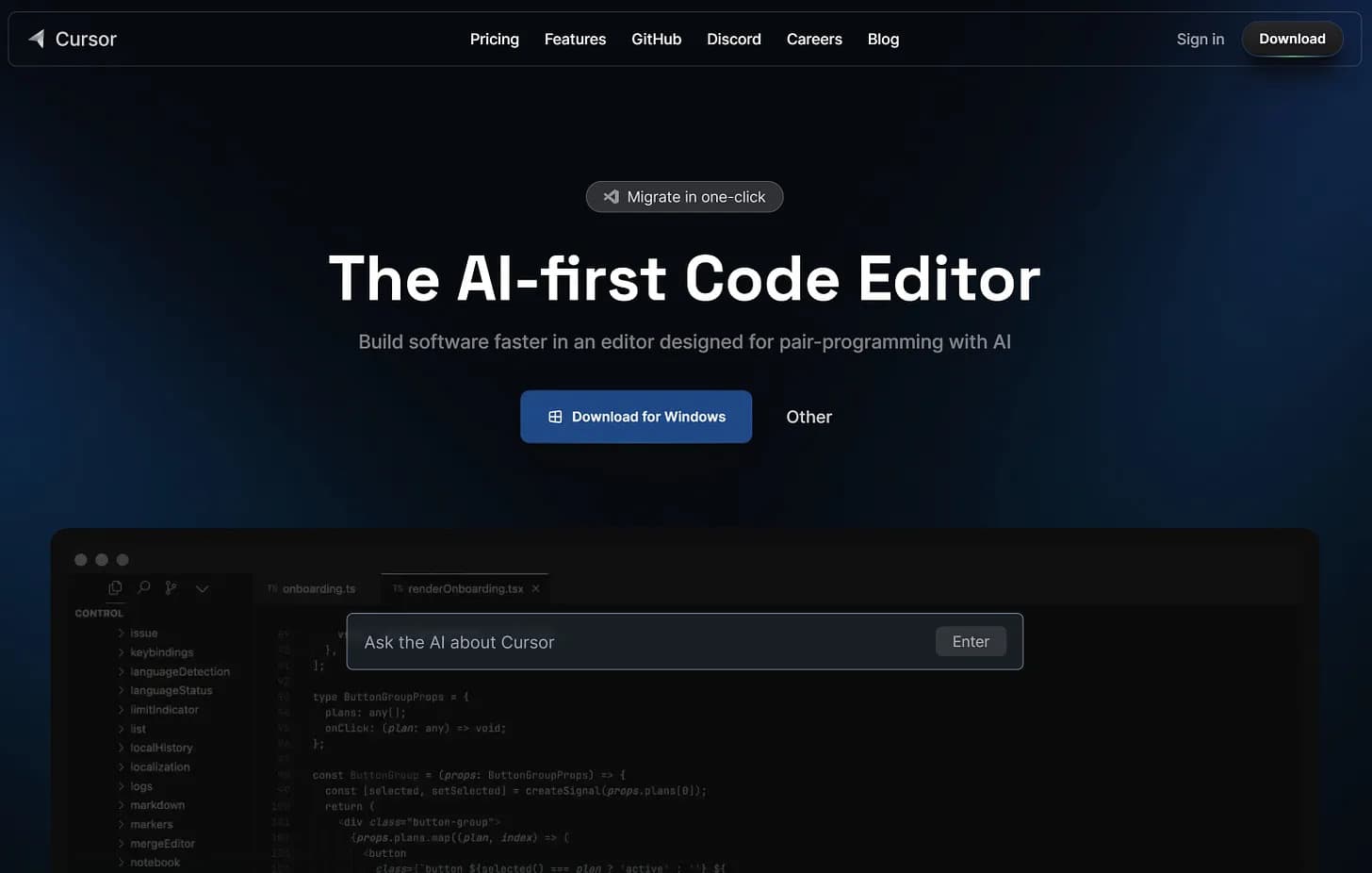
As developers, we are always on the hunt for tools that can streamline our workflow, boost productivity, and improve code quality. Today, let's explore Cursor AI, a next-generation code editor designed to meet these needs. Whether you're a seasoned developer or just starting out, understanding the capabilities of Cursor AI could fundamentally change how you code.
What is Cursor AI?
Cursor AI is a cutting-edge code editor built on the foundation of Visual Studio Code (VS Code) but enhanced with artificial intelligence to simplify your coding tasks. By integrating advanced AI models like GPT-4 and Claude, Cursor AI aims to elevate your coding experience with intelligent code suggestions, error detection, and more.
Official Website: Cursor AI
Compatible with Windows, Linux, and Mac, Cursor AI is accessible across various operating systems.
How Cursor AI Works
Cursor AI leverages sophisticated AI models trained on extensive datasets to understand coding syntax, patterns, and best practices. It supports multiple programming languages, excelling particularly in Python, JavaScript, and TypeScript.

Key Features of Cursor AI
1. AI Code Completion and Generation
Cursor AI predicts your next code edits and can generate entire functions. This feature significantly speeds up the coding process and reduces repetitive tasks.
2. Natural Language Editing
You can write and edit code using natural language instructions. This functionality is particularly useful for new programmers who might struggle with syntax.
3. Error Detection and Correction
Cursor AI automatically spots and fixes bugs as you type, saving you significant time on debugging.
4. Codebase Understanding
The tool analyzes your entire codebase to offer intelligent suggestions and insights, helping in navigating complex projects and maintaining code quality.
5. Privacy and Security
Cursor AI ensures none of your code is stored externally. It offers features like privacy mode and SOC 2 certification for enhanced security.

Differences from Visual Studio Code (VS Code)
AI Integration
While Cursor AI builds on the familiar VS Code interface, it adds powerful AI capabilities like natural language commands and real-time debugging assistance.
Proactive Debugging
Cursor AI flags potential issues in real-time, reducing the time spent identifying and fixing errors.
Natural Language Processing
Cursor AI supports plain English commands, making it more intuitive for new programmers or when dealing with unfamiliar languages.

Differences from GitHub Copilot
Contextual Understanding
Cursor AI offers context-aware suggestions by analyzing the broader codebase, delivering more relevant and well-formatted suggestions.
Interactive Editing
Cursor AI provides built-in refactoring support, reducing cognitive load by aligning suggestions with best practices and the project's architecture.

Cost of Cursor AI
Cursor AI offers a free version with basic features, and a Pro version priced at $20 per month for advanced functionalities.
Conclusion
Cursor AI is transforming the way developers code by embedding AI capabilities directly into the development environment. However, it's crucial to remember that AI should complement, not replace, human expertise. It serves as an aid to traditional coding practices.
For a more in-depth review, keep an eye out for detailed articles that delve deeper into Cursor AI’s features and capabilities.
Happy Coding! 😊